Your USB adapter, in the browser.
Ready to use, no setup. Dongle King connects to 10+ pre-defined I2C and SPI adapters straight from Chrome or Edge. Scan the bus, send and read bytes, and set GPIO pins High, Low or HiZ. Free.
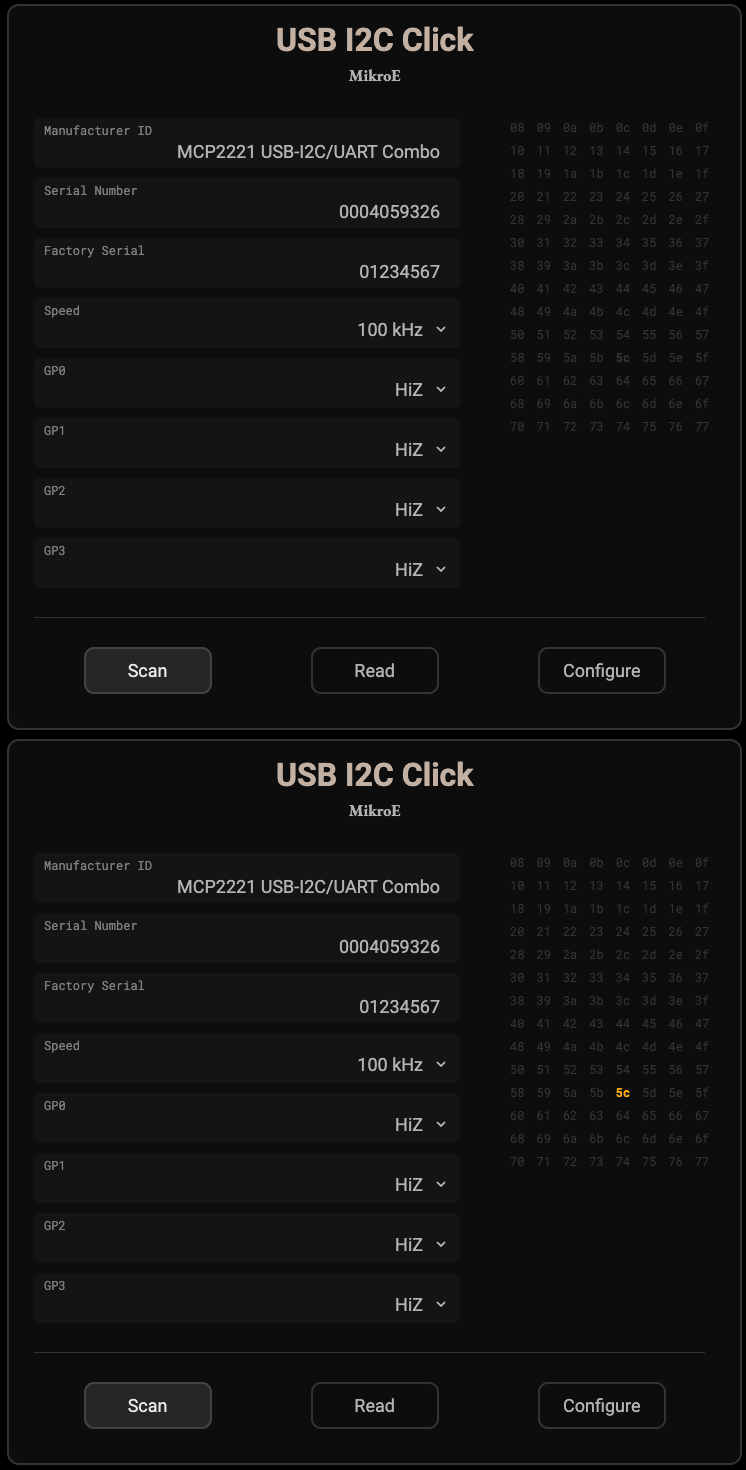
What you can do
- Scan an I2C bus and see every device that answers.
- Send and read raw bytes on I2C and SPI, with the bus speed and mode you choose.
- Set spare pins High, Low or HiZ, and read them back.
- Switch adapters without changing anything else.
Supported adapters
| Adapter | Buses |
|---|---|
| MIKROE USB I2C Click (MCP2221A) | I2C, GPIO |
| MIKROE USB SPI Click (MCP2210) | SPI, GPIO |
| MIKROE FTDI Click | I2C, SPI |
| Adafruit MCP2221A breakout | I2C, GPIO |
| Bus Pirate (BPIO2) | I2C, SPI, GPIO |
| ESP32 Bit Pirate (BPIO2) | I2C, SPI, GPIO |
| USB-ISS | I2C, SPI |
| Excamera I2CDriver | I2C |
| Excamera SPIDriver | SPI |
No dongle? Plug in an RP2040 or ESP32 board, load our free sketch from GitHub, and it becomes one.
Questions
Is it free? Yes, Dongle King is free.
Which browser? Chrome or Edge on a desktop or laptop. They can talk to USB directly, so there's nothing to install.
Where does my bus traffic go? Nowhere: it stays in your browser. We count anonymous usage only, never register data.
Ready to model your chip? Try UXB-300 for named registers and real units instead of raw bytes.